



How to Plan a Trip Using AI (Step-by-Step Guide)
Why AI matters in travel planning
AI is reshaping how we plan trips. It can quickly gather options, compare choices, and tailor suggestions to your preferences. At trafels.com, we view AI as a tool to simplify complex decisions while prioritizing security and reliability.
What this guide covers
This step-by-step guide explains how to build a practical AI-based planning workflow. You’ll learn how to select suitable tools, craft effective prompts, assemble day by day itineraries, and incorporate safety checks.
- Choosing the right AI tool or platform
- Creating prompts that yield real itineraries
- Drafting a day-by-day plan with time and rest in mind
- Integrating flights, hotels, and local transport
- Adding safety, documentation, and regulatory checklists
- Personalizing and refining plans in real time
2. Choose the Right AI Tool or Platform
General chat-based AI vs. travel-specific planners
Not all AI is designed for travel. General chat-based AI can brainstorm ideas and summarize options, but travel-focused planners may offer integrated flight, hotel, and activity data. Your choice influences how quickly you move from concepts to bookings.

Consider starting with a broad AI to outline constraints, then switch to a travel-oriented tool for concrete options and real-time availability.
Evaluating accuracy, privacy, and usability
- Accuracy: Look for tools that clearly cite sources and allow you to verify options.
- Privacy: Review data handling policies and whether prompts are stored or shared with third parties.
- Usability: Favor interfaces that support structured prompts, templates, and easy export to itineraries.
Tips for testing tools effectively
- Run a small, controlled prompt set to compare outputs side by side.
- Ask for a complete day-by-day plan and test edge cases like multiple airports or mixed travel styles.
- Seed the AI with your travel preferences and constraints to gauge personalization levels.
3. Build a Prompt Template That Delivers Real Itineraries
Providing structure: dates, airports, interests
Start with a clear skeleton the AI can fill. Include destination, travel dates, your origin and preferred airports, and a concise list of interests. This structure helps generate practical day-by-day plans.
Specify constraints such as budget range, pace, and starting point each day. A well defined prompt reduces back-and-forth and speeds up usable results.
Incorporating constraints and preferences
Layer in preferences like pacing, required activities, and preferred neighborhoods. Add non-negotiables and deal-breakers so the AI avoids wasting time on unsuitable options.

Describe travel style in a sentence or two to steer tone and selection. If you have accessibility needs or dietary requirements, include them upfront.
Prompt examples that yield actionable plans
- Destination, dates, budget, and 3 top interests. Ask for a 3-day, hour-by-hour draft with transit times and rest breaks.
- Include one must-see landmark per day, plus a few flexible options based on cancellation policies and real-time changes.
- Request a compact, printable itinerary with activity windows, travel times, and alternative options for rain days.
4. Generate a Day-by-Day Itinerary Template
Allocating sightseeing time and rest
Create a day-by-day skeleton that balances activity with downtime. Allocate mornings for highlight sights, afternoons for leisure or back-up options, and built-in breaks to recharge. This structure helps you stay flexible without losing momentum.
Define time blocks for meals, transit, and potential delays. A simple template keeps you from overpacking days and reduces decision fatigue during travel.
Balancing crowds, transit, and logistics
Cluster nearby attractions to minimize travel and crowd exposure. Plan logical transit sequences and note typical wait times. Include contingency windows for weather or openings changes.
- Group sites by location to cut transit hours
- Move popular sights to off-peak times when possible
- Estimate transit modes and durations for each leg
Flagging potentially time-intensive activities
Mark activities that usually require longer commitments, such as museums with timed entries or extensive tours. Add optional shorter alternatives as backups for days when plans shift.
- Highlight must-dos with suggested time ranges
- Identify rain-friendly backups for outdoor plans
- Include a one-line note on accessibility or special requirements
5. Integrate Flights, Hotels, and Transportation
AI-assisted search vs. manual vetting
AI can surface options quickly but validate results with your own checks. Use AI to generate a shortlist, then verify prices, baggage rules, and layovers directly with carriers or housing platforms. This keeps decisions accurate while saving time.
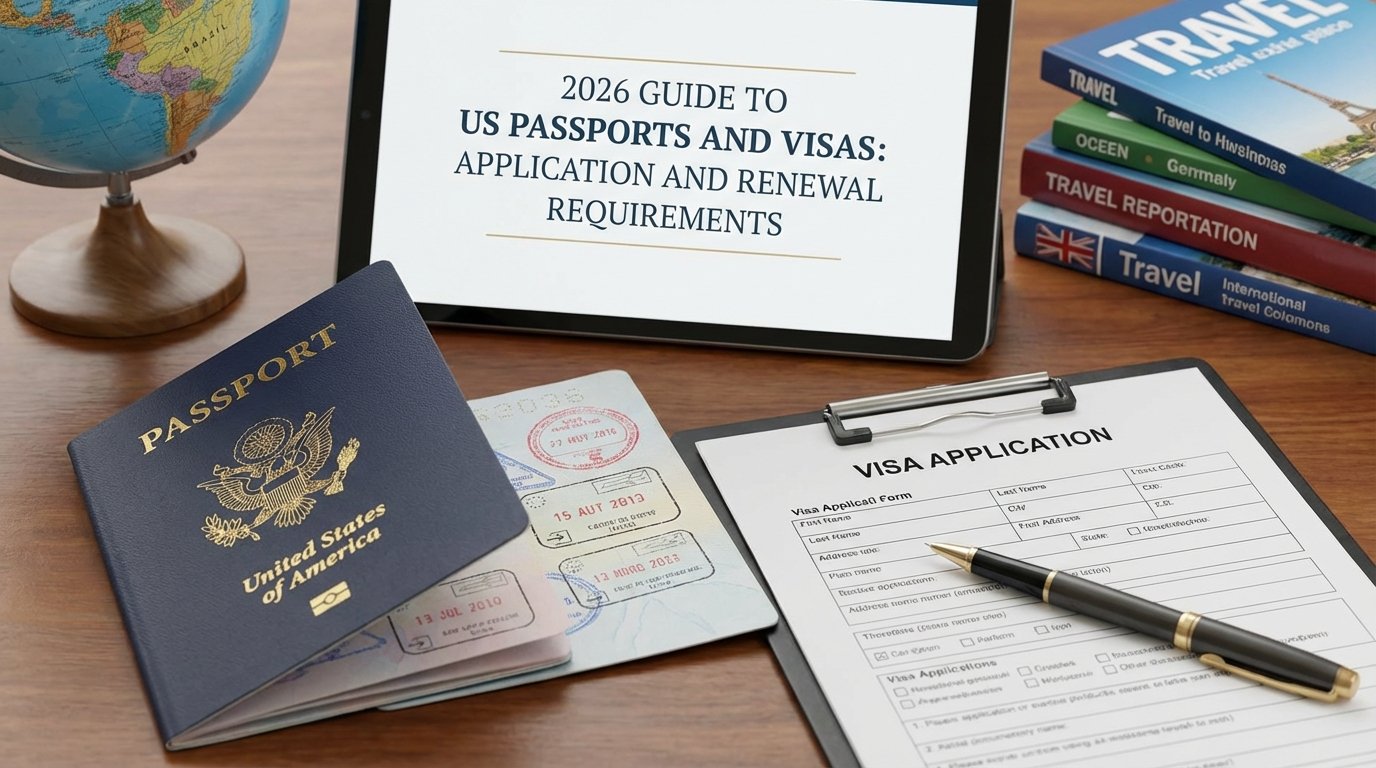
Balance automated suggestions with human judgment. Cross-check with a trusted booking tool to confirm real-time availability and terms before final decisions.

Syncing bookings with the itinerary
Keep all reservations aligned with your day-by-day plan. Link flight times, hotel check-ins, and car hires to corresponding sections of the itinerary for easy reference. Use exportable formats to share with travel companions if needed.
Use structured prompts to pull booking details into the itinerary template. This reduces manual entry and minimizes the chance of misaligned dates or times.
Handling transfers and local travel tips
- Map transfer times between airports, stations, and hotels to spot potential delays.
- Note typical transit modes for each leg, including ride-share or public transport options.
- Include practical tips like luggage handling, peak-hour considerations, and reliable local apps.
Ask the AI for edge-case guidance, such as late arrivals or long layovers, and adjust the plan accordingly to maintain efficiency and comfort. Include emergency contacts and backup options in the itinerary. Note how policies for changes or cancellations affect your timeline. Tools like Trafels.com offer integrated planning ideas when needed.
6. Add Safety, Documentation, and Regulatory Checklists
Safety planning for city visits and transport
Map safe routes between accommodations and main sights. Note well-lit areas, transit options, and reliable transport hours after dark.
Prepare a compact safety kit and store emergency contacts in your phone. Include local consulate information and insurance claim steps for quick access.
7. Personalize and Refine with Real-Time Adjustments
Adapting to weather, closures, and crowds
Keep the plan practical with live tweaks. When conditions shift, switch outdoor plans to nearby indoor options without losing momentum.
- Ask the AI for weather-aware alternatives for each time block
- Request updated crowd estimates and peak hours for popular sights
- Reallocate sightseeing to second-half days when needed
Updating budgets and time estimates
Dynamic planning helps you stay on track. Update daily spend and travel time forecasts as you learn more.
- Record actual prices and transit times as you go
- Ask for revised buffers after bookings or changes
- Produce a printable or shareable snapshot of the revised plan
Managing multi-entity reservations
Coordinate bookings across flights, hotels, and activities to avoid conflicts.
- Sync updates so late flight changes trigger itinerary adjustments
- Flag overlapping or incompatible time windows across providers
- Maintain a consolidated view with emergency contacts and backup options
References
- How to Use AI for Planning a Trip – Seven Corners Travel Insurance
- How to Use ChatGPT to Plan a Trip (Step-by-Step Tutorial) – YouTube
- A Beginner’s Guide to Planning a Trip With AI | TripIt
- 5 EASY AI Travel Planning Hacks (That Won’t Ruin Your Trip)
- What’s your best experiences and tips trip planning with AI? – Reddit